iOS App — Version 2.0
GitSync.md
Real Git + a full code editor on your iPhone. Clone, browse, edit, commit & push any repo. Syntax highlighting for 20+ languages, built-in file management, branch control — no terminal required.
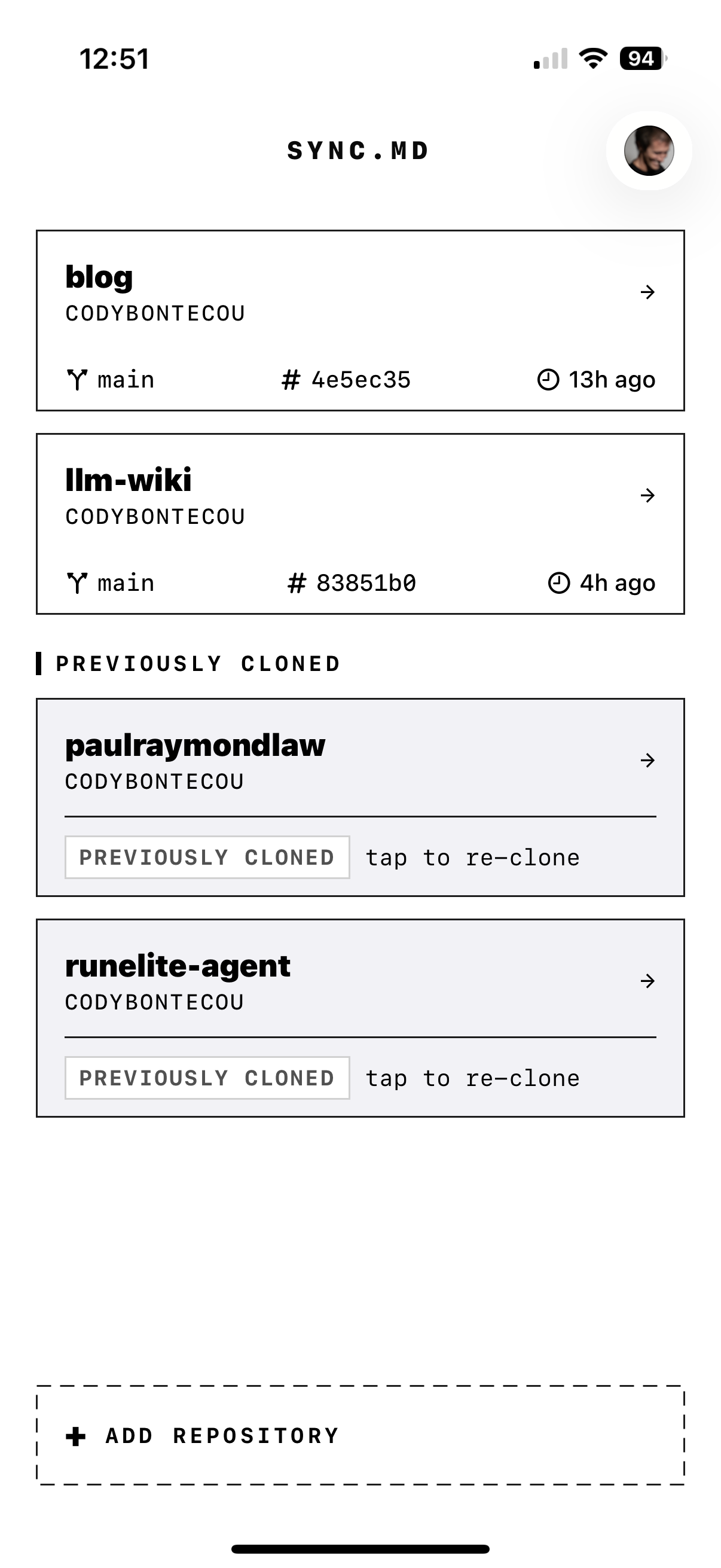
Real Git + a full code editor on your iPhone. Clone, browse, edit, commit & push any repo. Syntax highlighting for 20+ languages, built-in file management, branch control — no terminal required.
syncmd://x-callback-url/sync to pull and push without leaving Obsidian. Programmable from any app that speaks URLs.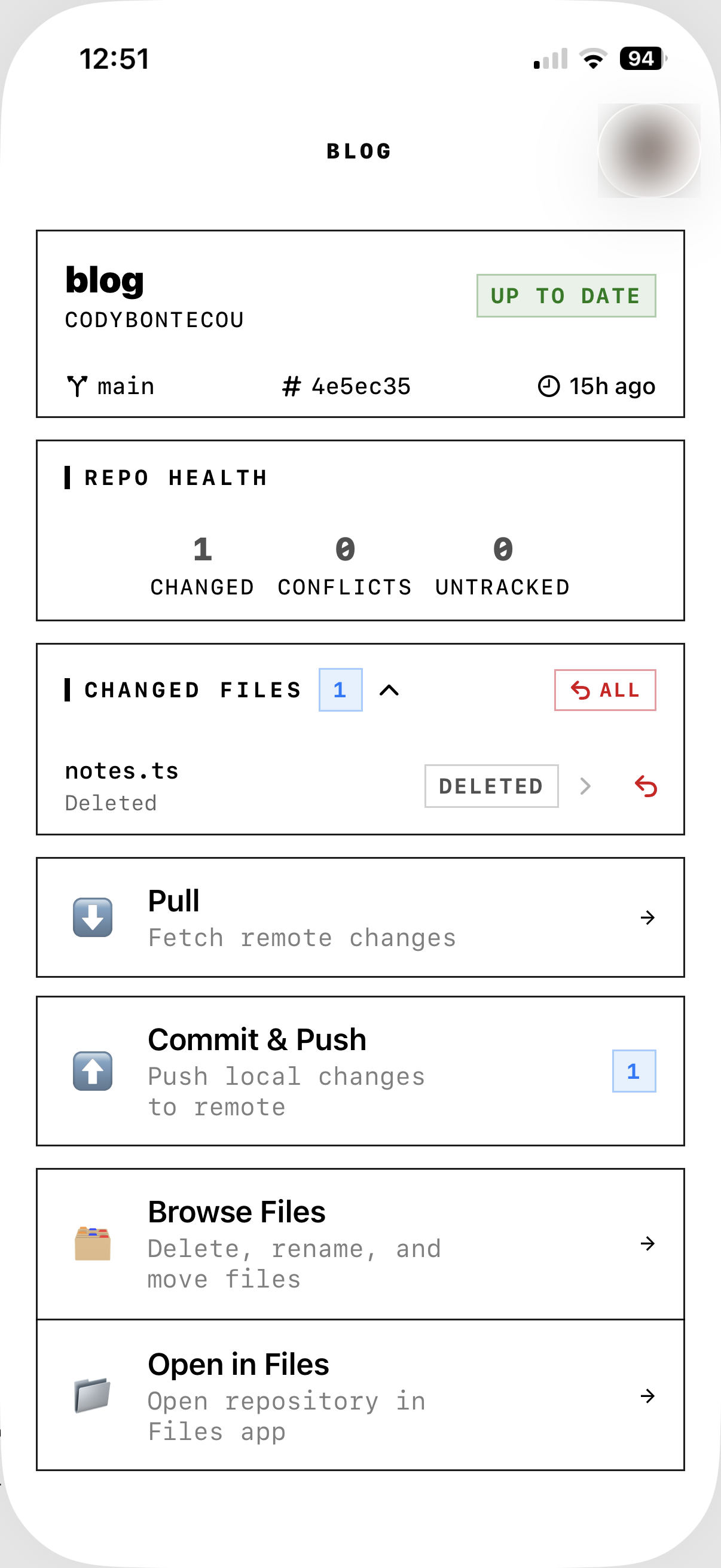
Sign in with GitHub OAuth or paste a Personal Access Token. Keychain-stored, encrypted at rest.
Browse your repos, tap to clone. Any repository downloads to your device with its complete Git history.
Navigate your repository with the built-in file browser. Git-status badges on every file — see exactly what's changed at a glance.
Open any file in the built-in syntax-highlighted editor. Or use the iOS Files provider to open files in your preferred external app.
Pull changes, review diffs, commit your edits, push upstream. Full version control from your pocket.
syncmd://x-callback-url/sync to pull and push without leaving the app. Implementation guide →Any app can trigger a full pull + push by opening this URL:
syncmd://x-callback-url/sync?repo=MyVaultThe repo value must match the vault folder name shown in GitSync.md.
/pull — fetch + fast-forward from remote/push — stage all, commit, and push/sync — pull then push (recommended)/status — read branch/SHA/change countAdd these for full x-callback-url flow control:
message — commit message for push/syncx-success — URL opened after successx-error — URL opened after failureIn the Obsidian Git community plugin, set your mobile sync URL to:
syncmd://x-callback-url/sync?repo=MyVault&message=Update%20from%20ObsidianA full Git client and code editor — free for one repo, one-time unlock for unlimited. Open source on GitHub.